
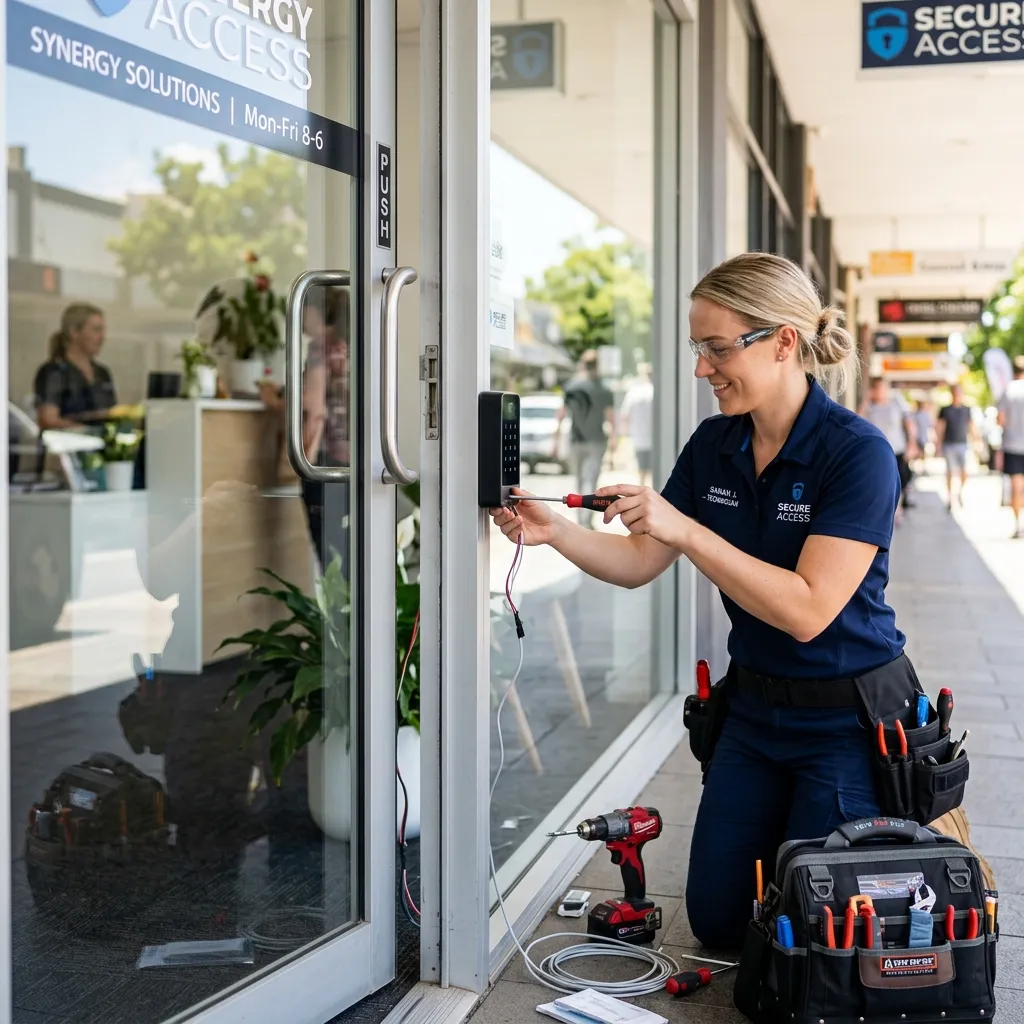
Choosing the Right Access Control Tech for Your Offices
Electronic access control can simplify credential changes without rekeying each affected opening. Depending on the system and configuration, it may also record credential events. Those events show which credential was presented, not necessarily which person entered, so policies and physical door security still matter.
1. Proximity Key Cards & Fobs
- How they work: Employees swipe or present an RFID card or commercial access credential near a wall-mounted reader.
- Pros: Highly cost-effective to buy in bulk. Lost cards can be deactivated instantly in the software.
- Cons: Cards and fobs can be misplaced, forgotten, or shared among employees.
2. Biometric Access Systems
- How they work: Users scan a fingerprint, retina, or face structure.
- Pros: A biometric factor can reduce reliance on a transferable card or memorized PIN when it is deployed with appropriate enrolment and fallback controls.
- Cons: False accepts, false rejects, spoofing resistance, privacy, consent, retention, accessibility, and emergency fallback all require review. Performance can vary with the sensor and environment.
Comparing the options in practice
Key cards and fobs suit offices where many people come and go. A card can be cancelled the moment it is lost, and the reader keeps a log. Biometric readers remove the credential to lose, but they suit smaller groups better, because enrolment takes time and some fingerprints read poorly. PIN keypads need no hardware for the user, but codes spread quickly.
What to ask an installer
How is a lost card cancelled, and by whom? What happens to the door when power drops? Where are the logs stored and for how long? Can a door be unlocked on a schedule for deliveries? Answers to those questions matter more than the brand on the reader.
Fit the system to the building
A Mississauga office unit with one door has different needs from a multi-tenant plaza in Oakville. We visit in person to assess doors, frames and power before recommending anything. See electric strikes and what to do when an office lock system fails.
A worked example for a small office
A ten-person office in a Mississauga business park has a front door, a rear door and a server closet. A sensible layout is card readers on the front and rear doors, so staff can be added or removed from the reader software, and a keyed lock with a restricted key on the server closet. The front reader releases an electric strike during business hours and locks at night on a schedule. When someone leaves, the manager cancels their card the same day and the log confirms it was never used again.
Need Professional Locksmith Help in the GTA?
iProtect Locksmith is a mobile locksmith service serving homes, vehicles, businesses, and property managers across the GTA. We discuss available options and estimated pricing before work begins.
If you are locked out, need locks changed, or want to upgrade your security, call our dispatch line (8 AM to 10 PM) at 📞 437-295-4001 for a fast, reliable mobile response.