
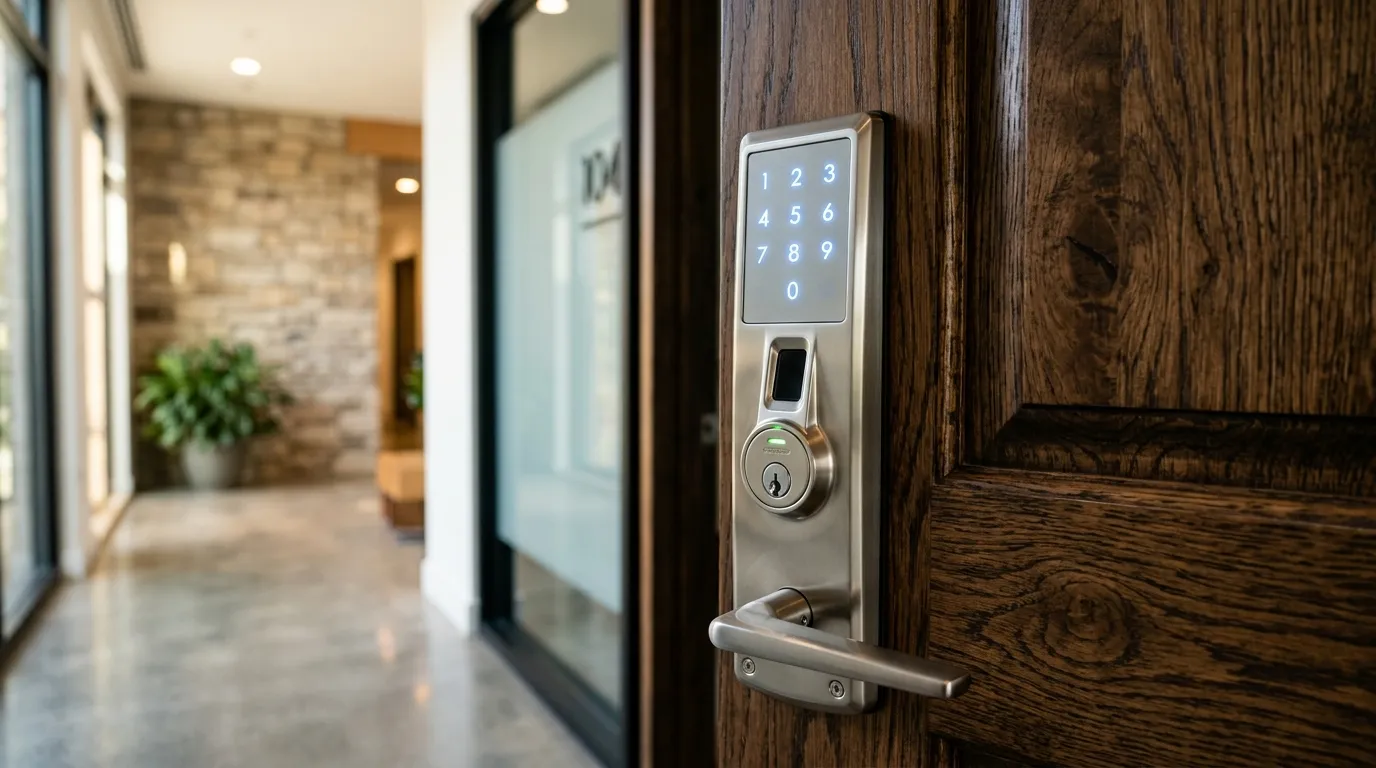
Comparing Fingerprint Scanners and Smartphone Access
Biometric and app-controlled locks offer different ways to manage keyless entry. Convenience and security depend on the exact sensor, app, account controls, door, installation, support lifecycle, and backup method.
Fingerprint (Biometric) Smart Locks
- How they work: An optical or capacitive sensor measures features of an enrolled fingerprint and compares a template according to the product’s design.
- Pros: A successful match can provide convenient local entry without presenting a separate card or code.
- Cons: Speed, false accepts, false rejects, spoofing resistance, storage, privacy, and performance with moisture, dirt, injury, or cold vary. Review the manufacturer’s published testing and fallback process.
App-Controlled Smart Locks
- How they work: Depending on the model, a phone may connect locally or through a supported hub and cloud service.
- Pros: Supported systems may provide remote commands, temporary access, status, or event notifications.
- Cons: Features can depend on phone power, permissions, network availability, subscriptions, account security, vendor service, and current platform compatibility.
Convenience versus dependency
A fingerprint lock removes keys and codes, but it depends on a sensor that can be affected by moisture, cold and dirt. An app lock depends on a phone that must be charged, updated and in range. Ask what happens when either fails.
Enrolment and sharing
For families, enrol several fingers per adult and test the lock in winter conditions with cold hands. For guests, phone-based access can be easier to grant and revoke, but codes may still be simpler for one-time visitors.
Protect the data
Ask where fingerprint templates and access logs are kept, and whether you can delete them. Keep a mechanical or keypad fallback. See wifi lock myths and smart-home integration.
Testing before you trust it
After installation, try the lock with clean hands, wet hands and cold hands. Ask every family member to open the door five times in a row. Try it with a phone at low battery and with the phone in a coat pocket. If any of these fail often, adjust the settings, re-enrol fingers or change to a keypad code for that door. A lock that fails on a snowy evening will not be used.
Need Professional Locksmith Help in the GTA?
iProtect Locksmith is a mobile locksmith service serving homes, vehicles, businesses, and property managers across the GTA. We discuss available options and estimated pricing before work begins.
If you are locked out, need locks changed, or want to upgrade your security, call our dispatch line (8 AM to 10 PM) at 📞 437-295-4001 for a fast, reliable mobile response.