
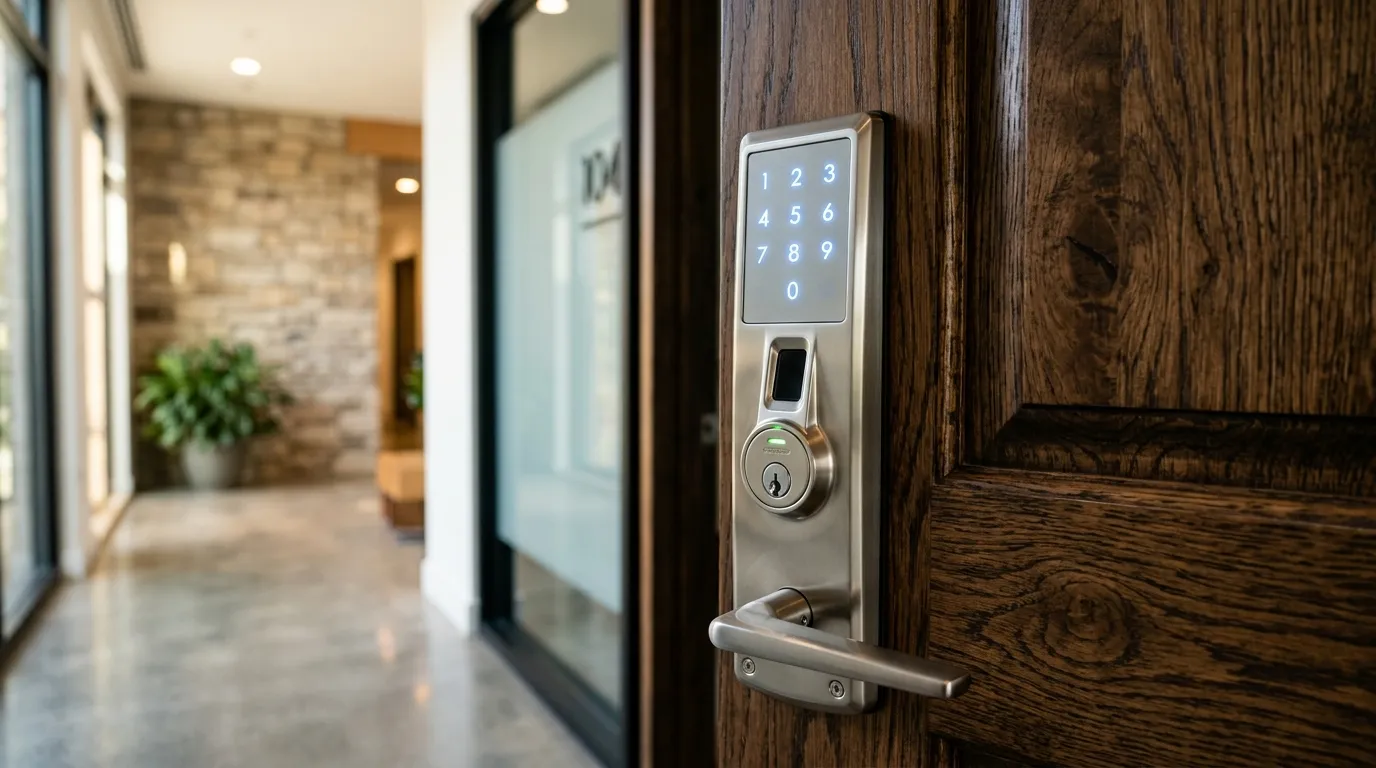
Evaluating the Cyber Security Protocols of Modern Keyless Entry
Smart locks offer convenient features, but because they connect to the internet, homeowners often worry about remote hacking attacks. Let’s evaluate the facts and myths surrounding smart lock cyber security.
Fact: Security Features Vary by Model
Many current smart locks use encrypted Bluetooth or WiFi communications, but the protocol, key-management design, update policy, and account protections vary by product. Review the manufacturer’s current security documentation, enable multi-factor authentication when offered, install firmware updates, and protect the connected home account with a unique password. Encryption reduces risk; it does not make interception or account compromise impossible.
Myth: One Risk Matters More Than Every Other Risk
A security review should consider both digital and physical paths. Account takeover, an outdated app, a weak WiFi password, an exposed override keyway, poor door alignment, or a weak frame can each matter. Choose a lock with a clear support lifecycle, then treat it as one part of the complete door system.
Myth: a hacker will open my door from a laptop
Reported problems usually come from ordinary causes: reused passwords, an account shared with a former partner, or a lock left on old firmware. Attacks on the radio link exist in research, but they are rare in practice compared with a forced door.
Fact: the account is the front door
Anyone who controls the app account controls the lock. Use a unique password, enable two-step verification and review the user list every few months. Remove old guests and contractors.
What to do about it
Pick a lock from a maker that publishes updates, install updates when offered and keep a mechanical or keypad backup. A good door, frame and strike are still your biggest protection. Our notes on power and wifi outages and installing a gateway go with this article.
A five-minute security review
Open the lock’s app. Check the list of users and delete anyone who no longer needs access. Look at the account’s login history if it has one. Confirm two-step verification is on, and check the firmware version against the maker’s site. Then test the lock’s backup: does the keypad or key work when the phone is off? Those five minutes tell you more about your risk than any headline about hacking.
Need Professional Locksmith Help in the GTA?
iProtect Locksmith is a mobile locksmith service serving homes, vehicles, businesses, and property managers across the GTA. We discuss available options and estimated pricing before work begins.
If you are locked out, need locks changed, or want to upgrade your security, call our dispatch line (8 AM to 10 PM) at 📞 437-295-4001 for a fast, reliable mobile response.