
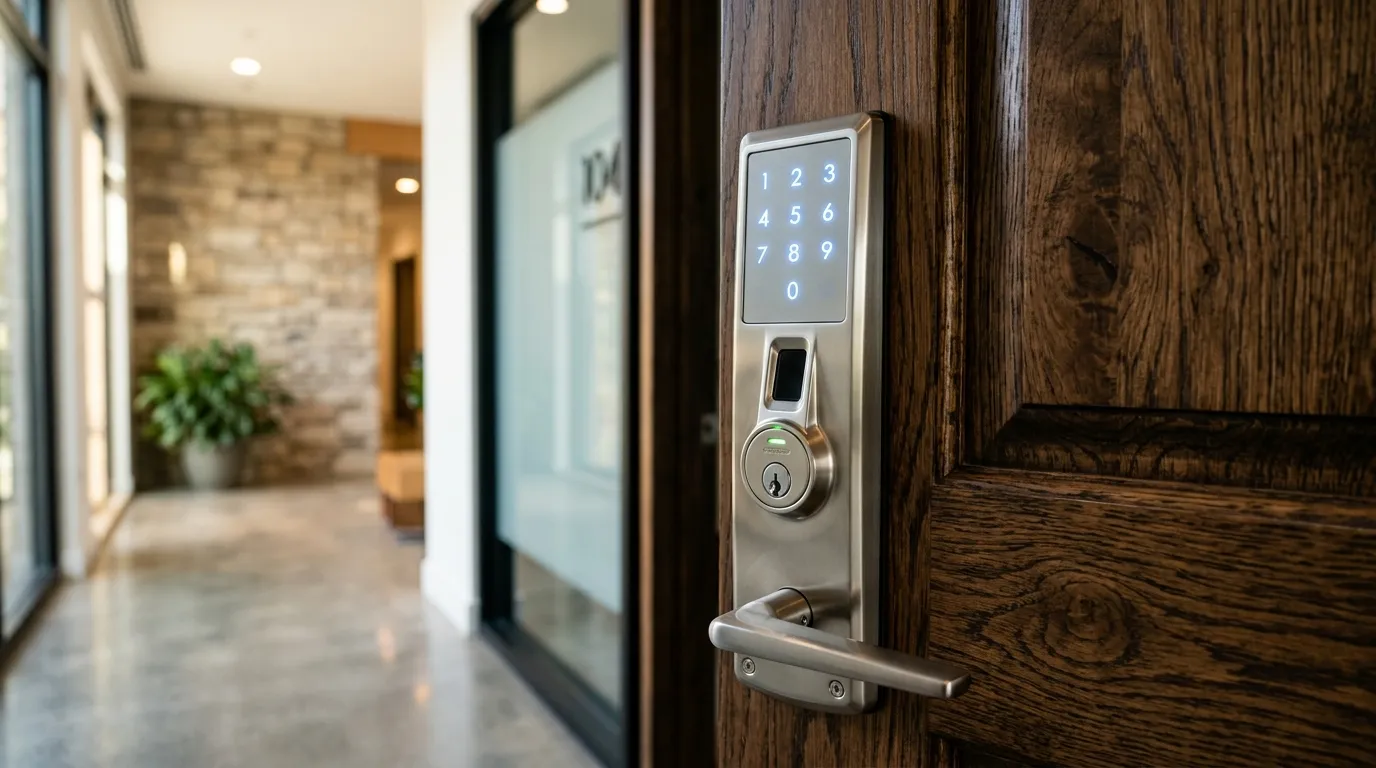
Optimizing Remote Connectivity for Electronic Deadbolts
Some smart locks use Bluetooth for local communication and require a compatible bridge for remote access. Others include WiFi, Thread, Matter, Z-Wave, or another connection. Practical range varies with the product, walls, interference, phone or hub, and radio environment, so a fixed 30-foot rule is unreliable.
How a WiFi Bridge Connects
A compatible gateway may plug into an outlet or connect elsewhere in the home, depending on the ecosystem.
- Local connection: Some bridges communicate with the deadbolt over Bluetooth or another low-power protocol.
- Network connection: Supported WiFi bands and remote-service requirements vary. Check the current manufacturer instructions and account-security options.
Setup Recommendations
- Placement: Start with the manufacturer’s recommended distance and location, then verify operation with the door closed and under normal network conditions.
- Network compatibility: Confirm the supported WiFi band, encryption mode, hub, app, and internet requirements rather than assuming every bridge requires the same 2.4GHz setup.
Where the gateway should go
Place the gateway within a few metres of the lock, with as few walls between them as possible. Avoid metal cabinets, large appliances and thick masonry. A bridge that plugs into a wall outlet near a hallway often gives a better link than one hidden in a basement. In an apartment or condo, remember that neighbouring networks may crowd the channel, so test the connection at the time of day you will use it most.
The steps we follow
We fit and align the lock first, because a lock that binds cannot be judged by its app. Then we pair it with the phone, connect the gateway to your router, update firmware and set the lock’s clock. We test locking and unlocking from inside the house, from the driveway and from mobile data. Finally we show you how to add and remove users, and what the lock does if the wifi drops.
Need Professional Locksmith Help in the GTA?
iProtect Locksmith is a mobile locksmith service serving homes, vehicles, businesses, and property managers across the GTA. We discuss available options and estimated pricing before work begins.
If you are locked out, need locks changed, or want to upgrade your security, call our dispatch line (8 AM to 10 PM) at 📞 437-295-4001 for a fast, reliable mobile response.