
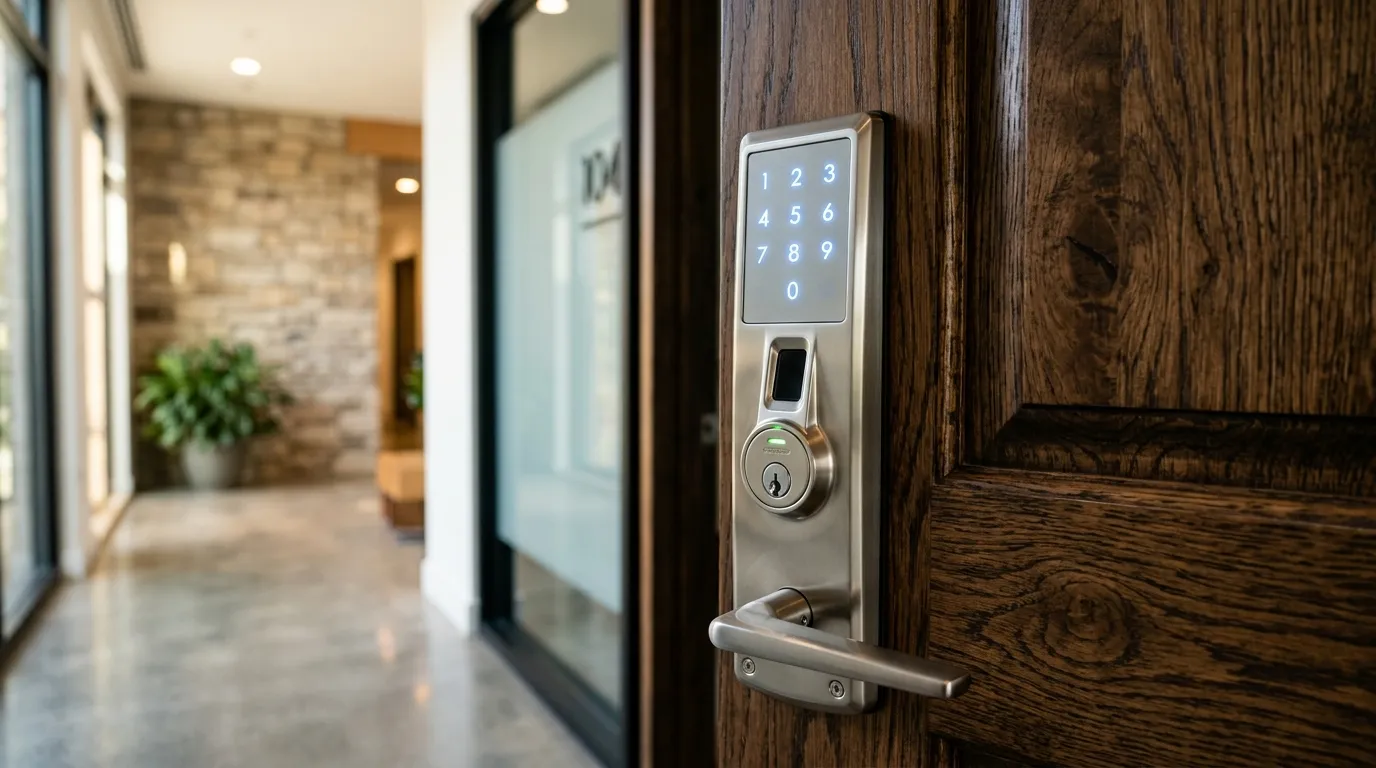
How Smart Lock Backup Options Vary
A common concern when upgrading to a keyless deadbolt is: “What happens if the batteries die, the power fails, or the home internet goes down?” The answer depends on how the exact lock is powered and which local, mechanical, or emergency-power options it provides.
1. Battery Power is Local
Many residential smart deadbolts use local replaceable batteries and can still perform basic keypad or credential functions during a household outage. Others use different batteries, wired power, a hub, or building integration. Remote app functions may stop when the router, bridge, cloud service, or internet connection is unavailable.
2. Low-Battery Warnings
Many models provide a low-battery light, sound, app notice, or status reading, but the lead time and reliability vary. Follow the manufacturer’s replacement interval and test the warning and backup procedure before it is needed.
3. Emergency Bypass Options
Possible model-specific options include:
- Physical keyway: Some models retain an exterior mechanical cylinder; others do not. Keep any override key controlled and accessible away from the locked premises.
- Emergency power contacts or ports: Certain locks accept temporary external power from a specified battery or connector. Use only the procedure in that model’s manual.
- Alternate authorized entry: A second controlled entrance, property-management procedure, or documented service plan may be necessary when the product has no usable override.
Two kinds of outage
When wifi goes down, most locks keep working locally: keypad, key and Bluetooth still function, but remote control, notifications and cloud logs pause. When power fails, a battery-powered lock keeps working, while a lock powered from the door’s wiring or an accessory hub may need a backup.
What to check now
Read the manual for low-battery behaviour, the override method and how long the lock keeps running. Test with the router unplugged. Keep spare batteries in a known place.
Plan for guests and family
Tell everyone how to use the backup key or code. Never rely on the phone as the only way in. See wifi gateway setup and wifi lock myths.
Need Professional Locksmith Help in the GTA?
iProtect Locksmith is a mobile locksmith service serving homes, vehicles, businesses, and property managers across the GTA. We discuss available options and estimated pricing before work begins.
If you are locked out, need locks changed, or want to upgrade your security, call our dispatch line (8 AM to 10 PM) at 📞 437-295-4001 for a fast, reliable mobile response.